
Zoom
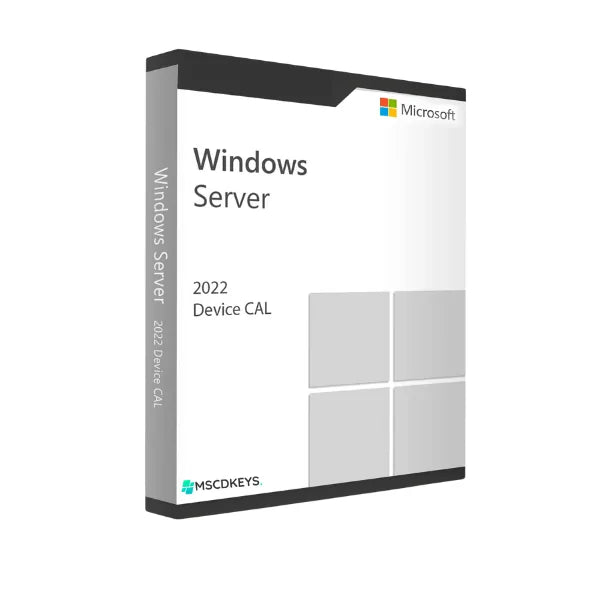
Microsoft Windows Server 2022 Remote Desktop Service CAL securely connects remote users with unlimited remote access. With this highly efficient server environment, multiple users share their devices, and the licensing model improves security, performance, and compliance. This Microsoft Server 2022 RDS Device CAL users experience advanced features, smoother sessions, and simple integration with Azure that makes remote work effective and secure. To use a Device CAL, you must purchase a Client Access License (CAL) for every device to access your server. Buy this Windows Server 2022 Remote Desktop Services CAL at Mscdkeys at a cost-effective price.
Microsoft Server 2022 RDS presents various key features that help users manage and regulate the remote desktop service in an enterprise environment. Look at the features:
Enhanced Performance
Microsoft Server 2022 Remote Desktop Service has improved performance to deliver better results on a single server. Windows Server 2022 enhances responsiveness and efficiency to provide effective performance. This performance includes graphics management and user interactions on lower bandwidth connections.
Device-Based Licensing
The Remote Desktop Service Device CAL offers licensing based on per device rather than per user. Therefore, if you want to access the RDS environment using a device, it requires your own CAL, regardless of the number of users of that device.
Advanced Security
Windows Server 2022 offers improved security with its advanced encryption protocols. This includes support for TLS 1.3 and modern cryptographic standards to ensure the security of remote desktop sessions. This server offers regular updates and security patches, and multi-factor authentication (MFA) provides extra security to this remote desktop service.
Integration with Azure
Microsoft Remote Desktop Services RDS 2022 Device CAL is integrated with Azure and offers flexible remote desktop capabilities in the cloud. Azure Virtual Desktop provides smooth remote desktop solutions for users and can easily be managed through Azure.
Cost-Effective Licensing
The Device CAL has a per-device licensing model that provides cost-effective remote desktop service where multiple users share a single device. In that case, users must pay costs per device rather than per user, which assists in saving additional expenses for organizations.
Accessibility with Active Directory
The Server 2022 Remote Desktop Service integrates Active Directory and Azure AD to provide single sign-on capabilities for users. It helps users access remote desktop resources without repeatedly entering credentials, making this software user-convenient and reducing password-related complexity.
Multi-Session Capabilities
Microsoft Windows Server 2022 RDS Device CAL has multi-session capabilities that allow users to operate several remote desktop sessions on a single server. Getting this RDS Device CAL makes it easy to operate multiple sessions on the same server. It is very useful for running applications or performing tasks in parallel.
Hybrid Cloud Facilities
Windows Server 2022 offers hybrid cloud deployments and permits users to fulfill their remote desktop needs from both on-premises and cloud resources. This RDS Device CAL supports several deployment options and assists users in optimizing infrastructure expenses and performance.
Comply with Microsoft Licensing
When you use the Windows RDS Device CAL on your computer, you abide by Microsoft's rules and regulations. Make sure that you are using a remote desktop environment that is accurately licensed. This provides security for your organization and prevents legal and compliance issues regarding software usage.
Our free technical support will deliver complete instructions for downloading to activation in your email address. So, when a user makes their payment for the RDS Device CAL license (5, 10, 20, 30, 50) using our secured multiple payment methods, within minutes, you'll receive a confirmation in your email. Therefore, your product key and an official download link will be included in your delivery email within a very short time. So, Order today, and you will witness our fast delivery.
Mscdkeys is a renowned software eller that provides Server 2022 RDS 50 Device CALs at a budget-friendly price. As a verified Global software reseller, we're committed to providing genuine license keys to our customers. Look at our Trustpilot reviews that present positive reviews about our product keys and services. Look below to see what will be available with Server 2022 RDS CAL:
If you want to install the Microsoft Server Remote Desktop Service 2022, your device needs the following systems. Therefore, we have added the minimum and recommended system requirements to install the server smoothly. Take a look:
Wishlist is empty.

